Datalogging
Every pyCANdo device runs a time-series database optimized for CAN bus data built on Apache Datafusion. Incoming traffic is retained independently of the logging configured in your Python code, so a missed trigger does not have to mean a lost frame.
1from pyrbs import PyRbs, CanMessage, CanSignal, Timer, BusLogger2from datetime import datetime as dt34now = dt.now().strftime('%Y-%m-%d_%H-%M-%S')5rbs = PyRbs()67full_trace: BusLogger = rbs.buslog.add("full_trace", f"examples/can_trace_{now}.mf4")8timer_100ms: Timer = rbs.timer.add("timer_100ms", 0.1, active_on_start=True)9msg_heartbeat: CanMessage = rbs.can_message.get("CAN1.HeartBeat")1011@rbs.on_start()12def on_start():13 full_trace.start()1415@rbs.on_stop()16def on_stop():17 full_trace.stop()1819@rbs.timer.on("timer_100ms")20def on_timer_100ms(self: Timer):21 msg_heartbeat.send()2223# Create a snapshot when Status_01.Error changes to 1.24@rbs.can_signal.on_change("CAN1.Status_01.Error")25def on_status_error(self: CanSignal):26 if self.raw == 1:27 trigger_time = dt.now().strftime('%Y-%m-%d_%H-%M-%S_%f')28 rbs.buslog.snapshot(29 "status_error",30 f"examples/status_error_{trigger_time}.mf4",31 pre_trigger=180, # Three minutes before the error.32 post_trigger=180, # Three minutes after the error.33 )Define traces with the BusLogger class
Use the BusLogger class to export data from the device database into the file format your analysis workflow needs. Export processing runs independently, so creating a file does not influence simulation performance.
Logging triggers and snapshots are lightweight metadata. You can also create an individual CAN trace later from the control dashboard after an unplanned power interruption or a missing trigger.
Snapshot trigger
Alongside classic start-and-stop logging, a snapshot can include a configurable number of seconds before and after the trigger. Place the trigger directly in the restbus code to capture the context around an event.
This example uses a fictional Status_01 message with an Error signal: 0 means OK and 1 means fault. When the signal changes to 1, the callback captures three minutes before and three minutes after the error. Repeated frames with the same error value do not create additional snapshots.
1from pyrbs import PyRbs, CanSignal2from datetime import datetime as dt34rbs = PyRbs()56# Create a snapshot when Status_01.Error changes to 1.7@rbs.can_signal.on_change("CAN1.Status_01.Error")8def on_status_error(self: CanSignal):9 if self.raw == 1:10 trigger_time = dt.now().strftime('%Y-%m-%d_%H-%M-%S_%f')11 rbs.buslog.snapshot(12 "status_error",13 f"examples/status_error_{trigger_time}.mf4",14 pre_trigger=180, # Three minutes before the error.15 post_trigger=180, # Three minutes after the error.16 )Download trace files
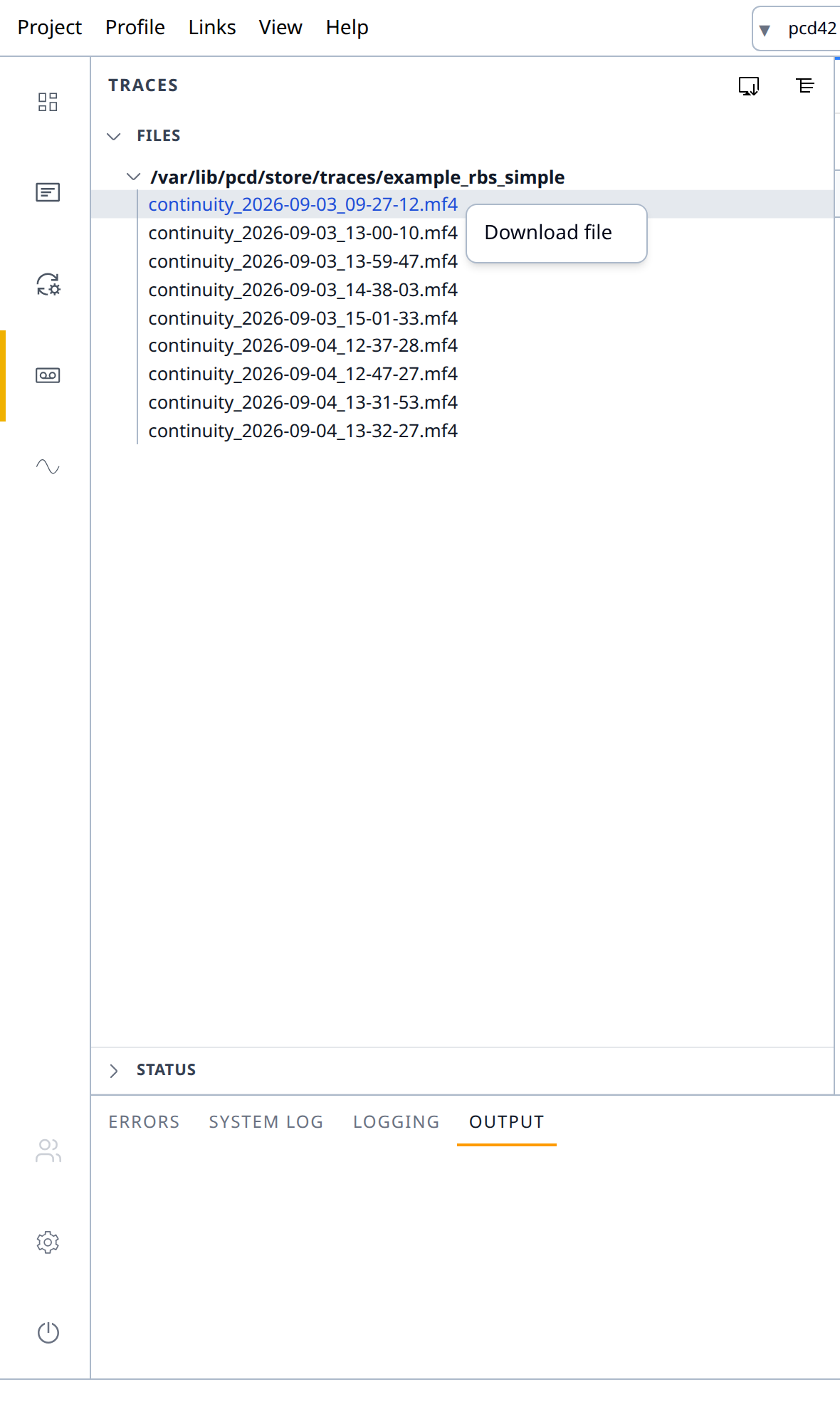
Browse the traces available on the device and download them through the web browser. A network-drive connection can also expose the same files directly in Windows File Explorer.