Automation
Start a pyCANdo simulation automatically when a device powers up or schedule recurring runs for monitoring, diagnostics, and long-term test scenarios.
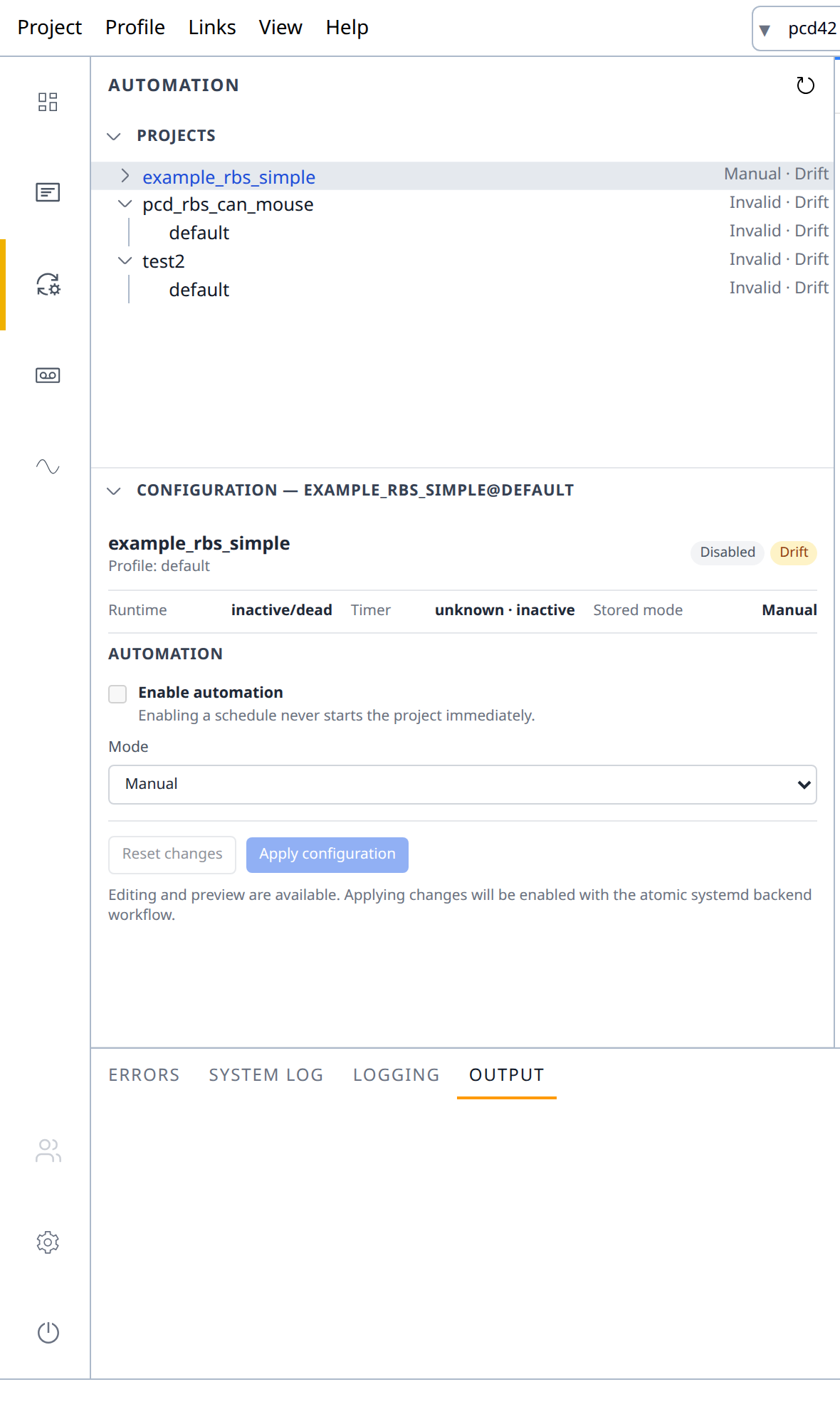
Start on power-up
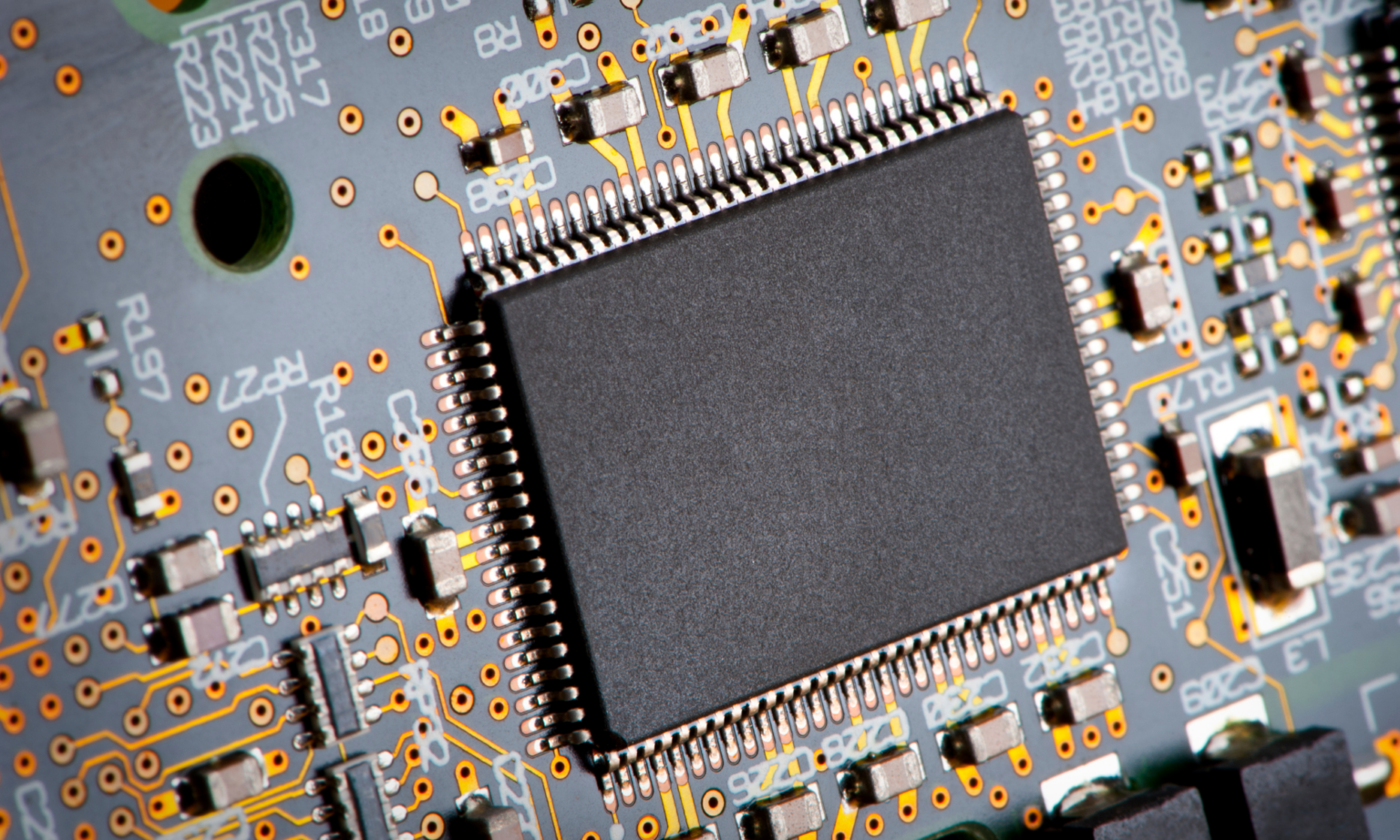
A simulation can start as soon as the pyCANdo device has finished booting. This is ideal when an embedded CAN device is still under development and its final hardware is not available.
Create a plug-and-play replacement and begin integrating the surrounding project against the simulated device.
Start cyclically
A cron schedule can start a CAN simulation at the top of every hour on weekdays—or at any interval required by the application.
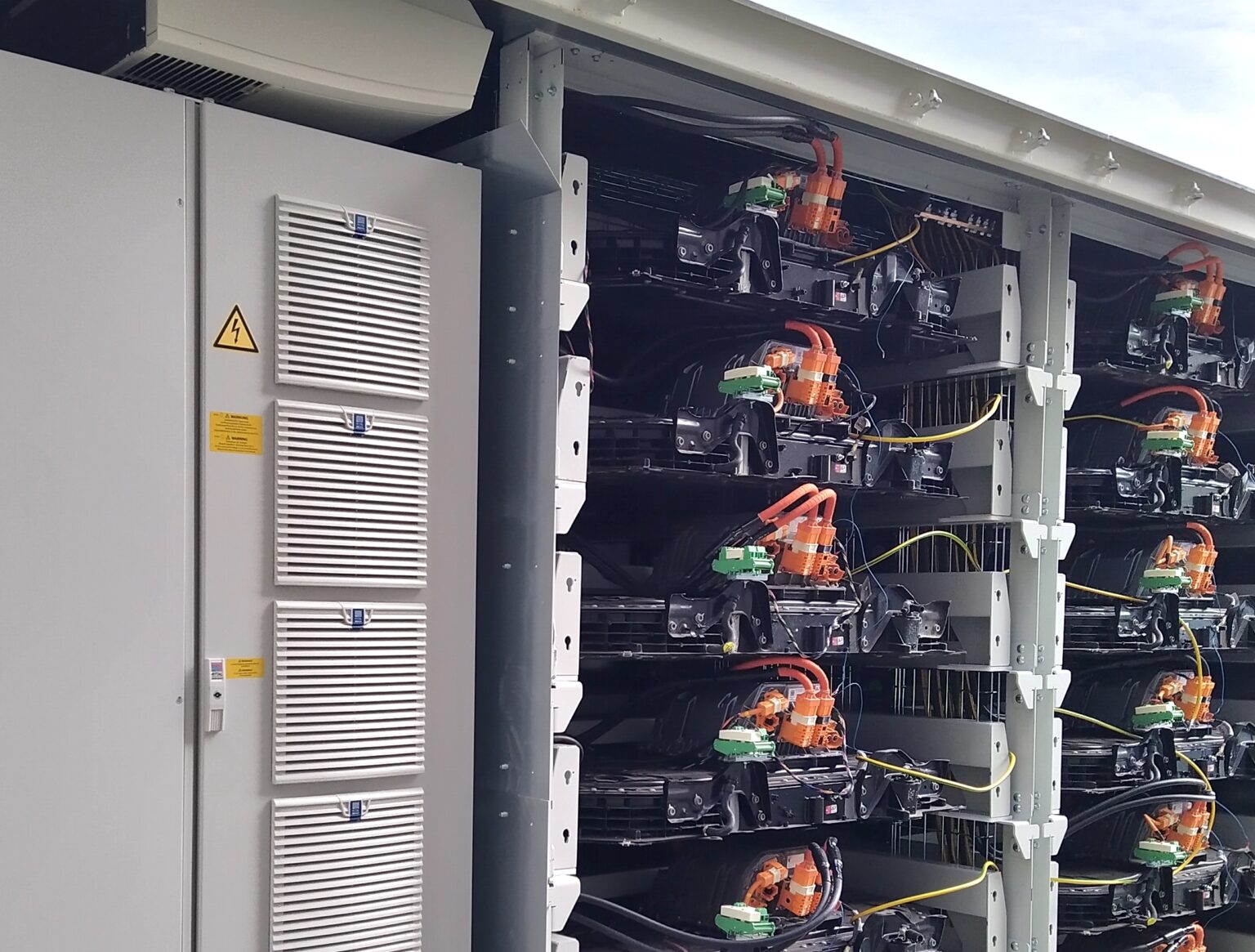
This supports monitoring scenarios such as automotive high-voltage battery storage. The simulation can run vehicle behavior, trigger diagnostic jobs, and forward measurements to a cloud backend instead of only collecting a conventional log file.
A Grafana server available on pyCANdo devices can present the results immediately on the local network.