
Next Level CAN-Bus Simulation

Program your CAN-Bus Simulation in Python and operate it from the web browser.

  • Program your CAN-Bus Simulation in Python
  • Save Time and Effort on Development
  • Interact with your App via the Webbrowser
  • Increase access around your Coworkers
  • Manage your Code in Git and enable CI/CD
pyCANdo browser workbench with graph, CAN trace, and dashboard editor

CAN simulation, data, dashboards, and hardware in one workflow

pyCANdo combines Python-based restbus simulation, optimized datalogging, browser dashboards, and flexible Linux hardware deployment for engineering teams.

SIMULATION

Write your simulations entirely in Python and move faster on large, complex CAN projects with modern development workflows.

  • 100% Python-based for maximum flexibility without a proprietary programming language.
  • DevOps-ready: use Git and state-of-the-art software tools directly in your workflow.
  • Fast project implementation with Python's open-source ecosystem and AI-assisted development.
More details

DATALOGGING

Create optimized trace files for efficient analysis, lower storage size, and faster loading of measurement data.

  • Web-first configuration: set up logging directly in the browser without software installation.
  • Optimized MDF and Parquet data structures save resources in downstream data analysis.
  • Each device keeps an always-on database for frames and variables, so traces can be generated after a simulation run.
More details

DASHBOARDS

Gain deep insight into your test subjects or control them in real time, then share dashboards as URL links with colleagues.

  • Access on any device: use pyCANdo from a smartphone, tablet, or workstation.
  • Monitor and change on the fly: adjust parameters live during operation.
  • Accessible everywhere: connect through LAN or Wi-Fi on your company network.
More details

HARDWARE

Select the right performance class for your requirements, from high-performance applications to cost-optimized setups.

  • Rack-mounted servers support high channel counts and multiple simulations at the same time.
  • Tiny PCs with built-in interfaces fit workbench and mobile demands.
  • Raspberry Pi systems with a CAN HAT cover cost-sensitive deployments.
More details

Install on a device. Work from every browser on the network.

pyCANdo akts as a CAN bus simulation, datalogger, interactive dashboard on all web browsers. Engineers keep their workflow in the browser while the connected device handles the lab, bench, or machine interface.
Machine Control HIL Test Workbench
Linux device pyCANdo service CAN bus simulation + datalogging
laptop browser tablet browser phone browser
  • Linux x86 and ARM possibilities
  • Browser access for laptop, tablet, and phone
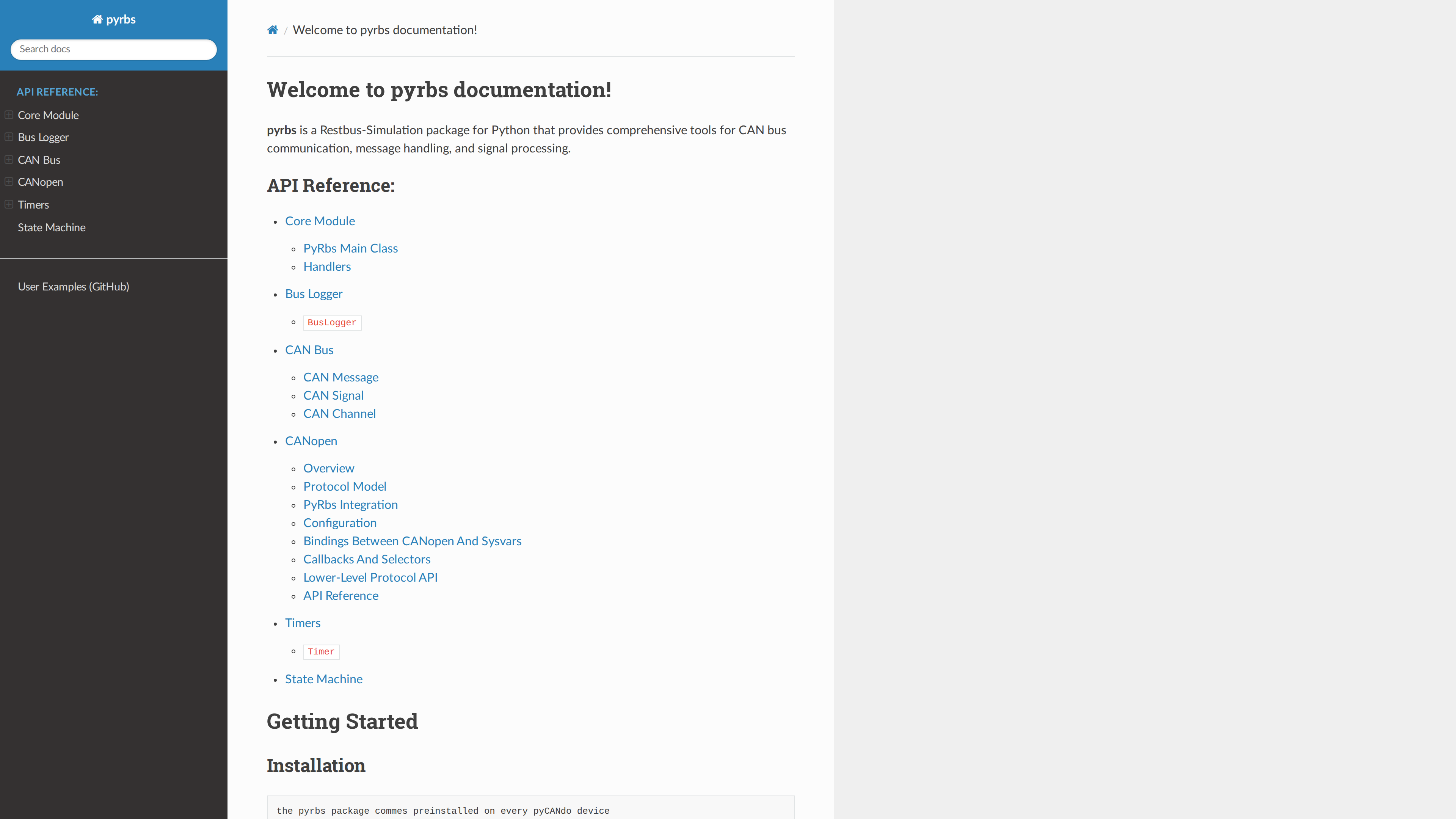
  • Python projects backed by service-oriented runtime components

Peek into the pyCANdo Restbus code

Download now!

After submitting the form, right away you will receive an email with registration details and installation commands for your Linux device.

1

Enter your Details

Share your email address, and some backround only if you like.

2

Receive install details right away

Download details and installation commands are sent to your mailbox.

3

Install on your Linux Device

Use the provided installation flow on the device that should host the pyCANdo service.

Email preferences (optional)
Privacy policy

We process your form details to provide evaluation access and send the requested installation email. Background and device details help us understand your setup.

End-user license agreement

Download is intended for education, evaluation, and hobby usage. Commercial use after evaluation requires a separate license agreement.